














Key Takeaways
- Getac’s rugged tablets and laptops turn forklifts and industrial vehicles into mobile workstations, improving task speed, accuracy, and real-time decision-making in warehousing and logistics.
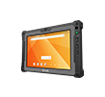
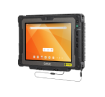
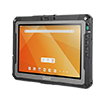
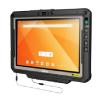
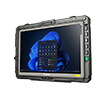
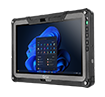
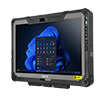
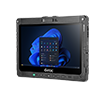
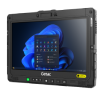
- The current lineup for vehicle-mounted use focuses on rugged tablets and laptops: ZX80 (Android AER), F120 (Windows), UX10 (Windows), ZX10 (Android), and V120 (Windows laptop), paired with purpose-built vehicle computer mounts and docks from Havis and Gamber-Johnson.
- Built-in ruggedness (MIL-STD-810H, high IP ratings, vibration resistance, wide operating temps) and safety-first features like Getac Driving Safety Utility (screen blanking in motion) help support safer forklift operations and compliance practices.
- AI-ready hardware (e.g., F120, V120 and UX10 with Intel AI Boost; ZX80/ZX10 with Qualcomm AI engines), Wi-Fi 6E/7, and optional 5G enable reliable WMS/ERP access, edge AI, and smooth handoffs across warehouse Wi‑Fi and private LTE/5G.
- Total cost of ownership improves with bumper-to-bumper warranty and Getac Essential Suite, helping IT extend device life and minimize downtime.
What are vehicle-mounted computers and why do warehouses use them?
- Vehicle-mounted computers are rugged tablets or laptops secured to industrial vehicles (e.g., forklifts, reach trucks, pallet riders) to provide workers with real-time WMS/ERP access, barcode scanning, and digital workflows at the point of work.
- By combining sunlight-readable displays, glove-friendly touch, and reliable power/mounting, they reduce travel time, eliminate manual re-entry, and enable mobile-first process redesign across inbound, picking, replenishment, and shipping.
- For logistics and manufacturing teams under pressure to move more with fewer errors, rugged vehicle-mounted computers centralize tasking, inventory visibility, and communications on the vehicle, where the work happens.
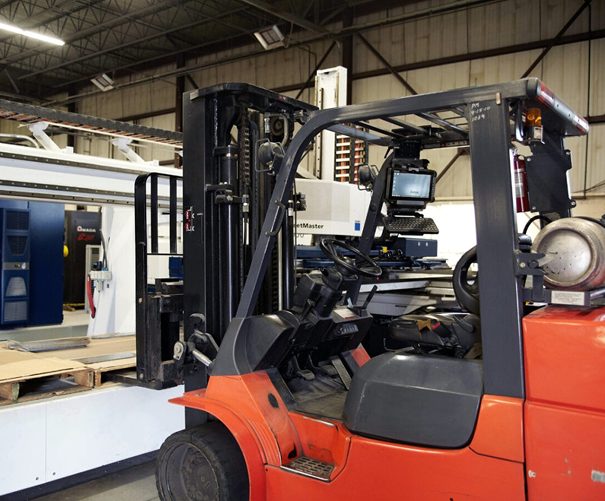
How do Getac’s vehicle computer mounts handle harsh, high-vibration environments?
- Getac rugged devices and vehicle docks are engineered for constant shock, vibration, dust, and temperature swings found in material handling.
- Certifications and design highlights (model-dependent):
- MIL-STD-810H and high IP ratings for dust/water resistance
- Vibration and drop resistance suitable for industrial fleets
- Wide operating temperatures for freezers and hot loading bays
- Mounting and docking options from Havis and Gamber-Johnson provide secure locking, power delivery, RF pass-through for roof antennas, and peripheral expansion.

Which Getac rugged tablets and laptops are best for vehicle mounting today?
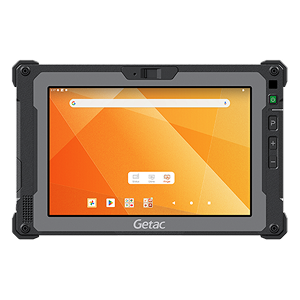
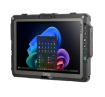
GETAC ZX80 - AI READY RUGGED TABLET
- Android 13, AI-capable Qualcomm platform with up to 13 TOPS NPU, Wi‑Fi 6E, optional 4G/5G, dual-SIM (physical + eSIM), MIL‑STD‑810H, IP67, 6ft drop.
- Compact 8" 1000‑nit display for tight cabs where space is limited.
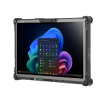
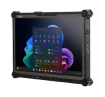
GETAC F120 - Copilot+ PC TABLET
- 12.2" 1200‑nit LumiBond display; hot-swappable dual batteries; Wi‑Fi 7; optional 5G Sub‑6 with dual L1/L5 GPS; Thunderbolt 4; IP66; MIL‑STD‑810H; optional salt fog.
- Robust security: TPM 2.0, optional Intel vPro, Windows Hello face-authentication, RFID/fingerprint/smart card options, AES‑256 encrypted SSD.
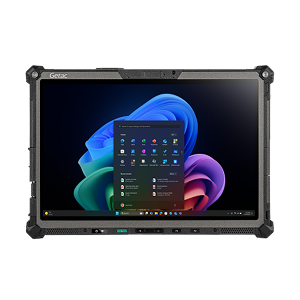
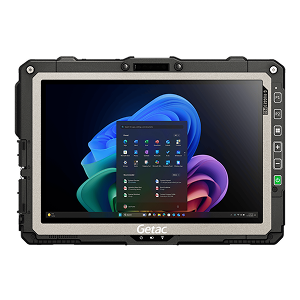
GETAC UX10 - Copilot+ PC TABLET
- 10.1" rugged tablet with optional keyboard dock for 2‑in‑1 flexibility; MIL‑STD‑810H, MIL‑STD‑461G, IP66, 6ft drop; strong authentication options (RFID, fingerprint, smart card).
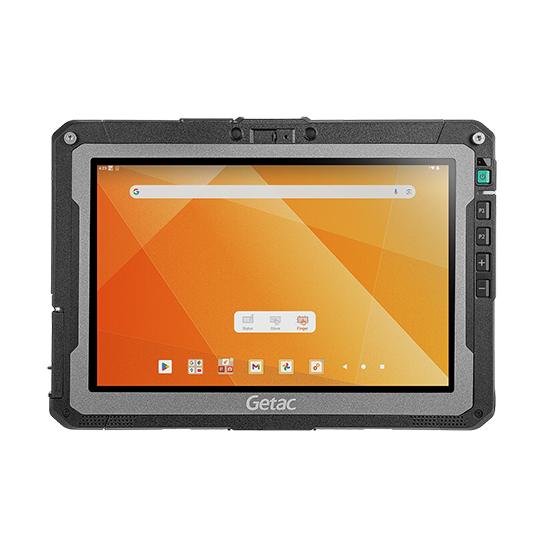
GETAC ZX10 - AI READY FULLY RUGGED TABLET
- 10" 1000‑nit display; Qualcomm platform with advanced connectivity (Wi‑Fi 6E, optional 5G, advanced GPS); dual high-capacity batteries; MIL‑STD‑810H, IP66, 6ft drop.
- A good fit for Android-based vehicle-mounted computer use cases needing camera capture and scanning.
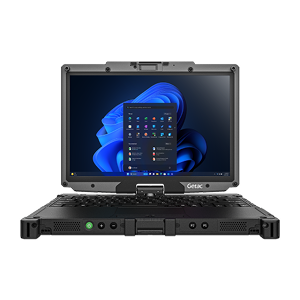
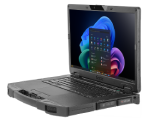
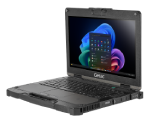
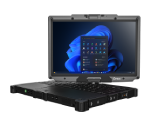
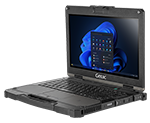
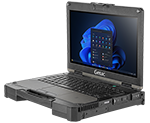
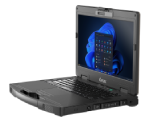
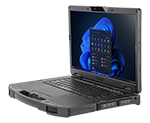
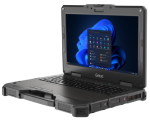
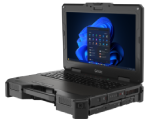
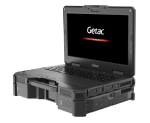
GETAC V120 - AI READY FULLY RUGGED LAPTOP, VEHICLE-READY
- 12.2" 1000‑nit display; Intel Core Ultra (AI Boost NPU); Wi‑Fi 7; optional 4G/5G with RF pass-through; Thunderbolt 4; TPM 2.0; IP66; MIL‑STD‑810H/461G; 4ft drop; wide temp range.
- Flexible modes (laptop, presentation, tablet) with reinforced hinge and enhanced battery, plus optional barcode reader and broad accessory ecosystem.
How should teams choose the right vehicle-mounted computer?
A STEP BY STEP GUIDE:

Which vehicle(s) need a mount?
- Forklifts
- Reach trucks
- Pallet trucks
- Pallet riders
- Other MHE

Where will you mount the device?
- Overhead guard (roof/pole) or dashboard—confirm sightlines and safety

What peripherals are required?
- Keyboards
- Barcode scanners
- Mobile printers
- Others

Which software and management tools apply?
- Enterprise Suite: Monitoring, Management, OEMConfig
- Utility Suite: Getac Driving Safety Utility, Absolute Secure Endpoint and Absolute Secure Access

Do you need port replication?
- Docks (with I/O) or cost-effective cradles (without I/O)

Do you need a carrying solution?
- Straps, harnesses, kickstands for in-aisle or yard work

What power adapter is correct?
- Confirm model and battery voltage; use isolated DC/DC for electric MHE

Who will finalize the configuration?
- Engage a Getac specialist to validate mounts, power, RF pass-through, and WMS/app fit
How do software and AI-ready features improve safety, uptime, and IT control?

Driving Safety Utility
Screen blanking and “designated apps in motion” help reduce visual/manual distractions when the vehicle is moving. Smart docking auto-enables/disables policies when docked/undocked.

Essentials Monitoring System
Proactive monitoring from a secure Azure cloud dashboard helps spot issues before they sideline field users.

OEMConfig (Android)
Unlocks proprietary settings at scale via AER-compliant EMMs—configure radios, scanners, power, updates (FOTA scheduler), buttons, VPN, APN, and more.

AI-Ready Hardware
Windows devices (F120, V120, UX10) include Intel AI Boost NPUs; Android devices (ZX80/ZX10) feature Qualcomm AI engines—enabling on-device inference for vision, OCR, and predictive apps at the edge.
How is AI used in logistics with these devices?
- Common uses include vision-based pallet confirmation, damage detection, barcode OCR, and predictive maintenance—run on-device to minimize latency and preserve bandwidth.
- Private 5G/LTE or Wi‑Fi 6E/7 backbones move data to WMS/ERP or analytics platforms, while AI models optimize pick paths, slotting, and labor planning.
- Android-based vehicle-mounted computers (ZX80/ZX10) and Windows tablets/laptops (F120/V120/UX10) provide flexible platforms for AI apps, device management, and scanning workflows.
How is adoption risk reduced?

TCO
Rugged devices reduce break/fix incidents compared to consumer tablets in high-shock, dusty, and cold-storage environments, helping to minimize downtime and IT truck rolls.

Warranty
Bumper-to-Bumper coverage on fully rugged products helps control repair costs and turnaround; Self-Maintainer programs further reduce downtime with approved in-house fixes.

Getac Select
- Getac Select packages proven device + mount + software + services combinations for warehousing and logistics.
- Benefit from pre-validated accessories, faster deployment, centralized support, and measurable uptime gains.
FAQs
How do vehicle-mounted computers improve logistics efficiency?
They eliminate back-and-forth travel, digitize in-aisle tasks, and maintain live inventory visibility and tasking from the vehicle.
What are the benefits of using rugged tablets in warehousing?
High-brightness, glove-friendly touch; resistance to shock, dust, and temperature; reliable power and docking; strong connectivity (Wi‑Fi 6E/7, optional 5G).
How do vehicle-mounted computers enhance safety and compliance?
Screen-blanking in motion, secure docks, cable management, and access control reduce distraction and data risk; consistent SOPs support safer operations.
What’s the difference between Android and Windows for vehicle-mounted use?
Android (ZX80/ZX10) suits scan-heavy workflows and AER-managed fleets; Windows (F120/UX10/V120) suits mixed app ecosystems, advanced peripherals, and Windows-native WMS/ERP clients.
Conclusion
Getac’s vehicle-mounted computers combine rugged hardware, AI-ready performance, modern connectivity, and a deep accessory/software ecosystem to lift throughput, accuracy, and safety in warehousing and logistics. If you’d like an at-a-glance comparison, we can provide an infographic summarizing devices, mounts, connectivity, and recommended use cases.