














Key Takeaways
- Getac rugged tablets and laptops enable reliable GIS field survey workflows with MIL-STD-810H and up to IP66/67 ratings, wide operating ranges (-29°C to 63°C), and sunlight-readable LumiBond displays for map visibility outdoors.
- 5G Sub-6, Dual SIM, Wi-Fi 6E/7, and dedicated L1/L5 GPS options keep GIS field surveying teams connected for real-time sync in GIS survey and GIS land survey tasks—even in remote areas.
- Hot-swappable batteries, glove/stylus touch, and on-device scanning (KeyWedge, optional 1D/2D imagers) reduce manual steps and paper, speeding up GIS field survey data capture and QA.
- Windows 11 and Android 15 devices integrate cleanly with GIS survey software (Esri Field Maps, QGIS, Hexagon), while Getac Essentials software (Monitoring, Management, OEMConfig, Driving Safety, Virtual-GPS) hardens uptime and safety.
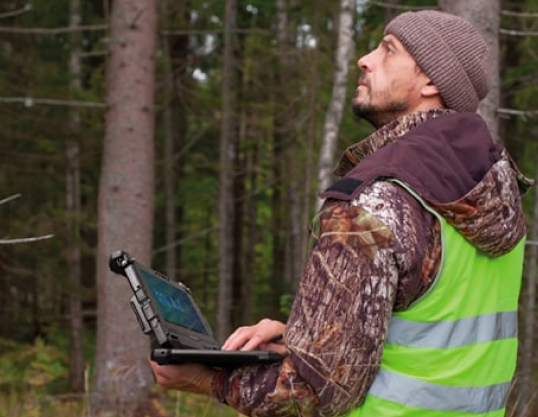
- Proven outcomes: Customers replacing consumer devices with Getac F120/UX10-class tablets report lower failure rates and higher throughput in harsh environments; vegetation management teams use high-brightness, hot-swap tablets to annotate and upload geo-tagged imagery in the field.
What is GIS surveying?
GIS surveying (GIS survey or GIS field survey) combines geospatial data collection with mapping, analysis, and visualization. Using GIS survey software on rugged mobile devices, teams capture attributes, photos, GNSS positions, and asset metadata in real time. This improves decision-making, speeds inspections, and strengthens collaboration across land survey, utility, environmental, urban planning, and infrastructure projects.
Why is GIS surveying important?
- Efficiency and precision: GIS surveying unifies maps, assets, and measurements so planners and field teams act on the same authoritative data.
- Situational awareness: Real-time GIS field survey updates help prioritize work, deploy resources, and verify safety conditions.
- Compliance and traceability: Geo-tagged photos, timestamps, and audit trails support regulatory needs and quality control.
How does GIS surveying apply across different industries?

Land Surveying and Property Management
- GIS and land surveying work together to deliver precise boundaries, easements, and parcel overlays, enabling faster decisions for development and property disputes.
- With rugged GIS field survey devices like the F120, UX10, and ZX10, surveyors use sub-meter or centimeter GNSS receivers (via dedicated L1/L5 GPS or Bluetooth-connected pucks) and upload parcel data to GIS in real time.
- Optional barcode/ HF RFID and KeyWedge camera scanning speed asset ID and document association on site.

Disaster Management and Emergency Response
- Field teams capture live incident data, infrastructure status, and hazards; GIS maps compute impact zones and routes.
- Getac Driving Safety Utility disables touch above set speeds to reduce distractions while traveling between incidents.
- Optional dual-hot-swap batteries and high-brightness displays ensure field-ready performance for long shifts and low-light conditions.

Environmental and Natural Resource Management
- Crews monitor habitats, waterways, and emissions; GIS survey layers visualize change over time.
- Getac devices provide a customization option for RTK-enabled data capture and geo-tagged photo capabilities, seamlessly integrating with enterprise GIS or environmental SaaS via 5G, LTE, or Wi-Fi 6E/7.
- Wide operating temp ranges and sealed designs support wetlands, deserts, and alpine surveys without downtime.

Urban Planning and Development
- Urban planners apply GIS survey layers for zoning, utilities, traffic, and public services to optimize layouts and reduce conflicts.
- Sunlight-readable displays make neighborhood surveys and site walks practical, with instant markups and change requests shared to planning portals.

Transportation and Infrastructure Planning
- Field teams use mobile GIS to validate as-builts, inspect bridges/roads, and coordinate maintenance windows.
- Dedicated L1/L5 GPS and optional RF pass-through in vehicle docks strengthen signal integrity for linear assets and routing.

Archaeological and Cultural Heritage Surveying
- Rugged tablets capture stratigraphy notes, 3D scans, and high-resolution images with coordinates for archiving and analysis.
- Offline basemaps and message queues keep work going when connectivity drops; devices sync automatically when back online.
Getac Solutions for GIS Surveying: What problems do they solve?

Hardware Ruggedness and Environmental Tolerance
Certified MIL-STD-810H, up to IP66/67; operating from -29°C to 63°C; shock, vibration, dust, and rain protection; LumiBond sunlight-readable displays for map clarity; dual Touch/digitiser for use in diverse weather wet conditions.

Digital Workflows and Paper Elimination
Glove/stylus touch, on-device barcode/KeyWedge scanning, and pre-imaging options for Esri Field Maps/QGIS speed first-time-right capture.

Vegetation Management Productivity
1000-nit displays support sunlit annotation; optional dual hot-swappable batteries.

High-Precision GNSS Integration
Devices pair with Trimble/Eos pucks via Bluetooth or use dedicated L1/L5 GPS for precise GIS land survey tasks and Utility Network migrations.

Enterprise Integration
Windows 11 and Android 15 compatibility with leading MDM/EMM tools; APIs and RESTful hooks available through Getac software for device health and fleet oversight.

Connectivity Resilience
Optional 5G Sub-6, Dual SIM (physical + eSIM), Wi‑Fi 6E/7, and high-gain GPS options maintain sync for GIS field survey operations, even between coverage zones.

Power Autonomy
Hot-swappable batteries and multi-bay chargers reduce idle time; bridge batteries enable zero-downtime swaps.

Cybersecurity and Compliance
TPM 2.0 and optional smart card readers support regulated environments.
Which Getac Android industrial tablets fit your use case?
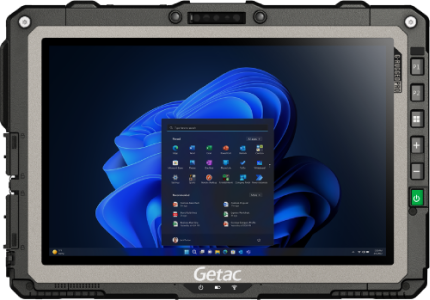
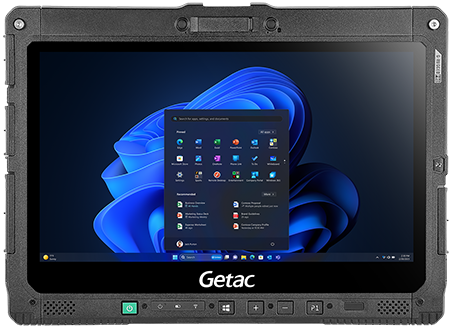
Tablets | Fully Rugged | 10.1 Inch | Windows
UX10 (Windows)
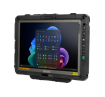
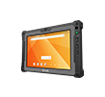
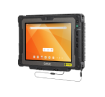
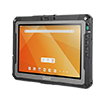
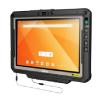
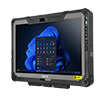
10.1", optional 5G Sub-6 with integrated L1/L5 GPS, Wi‑Fi 6E, hot-swappable batteries, sunlight-readable display; ideal for utilities and field services.
Tablets | Fully Rugged | 10.1-Inch | Android
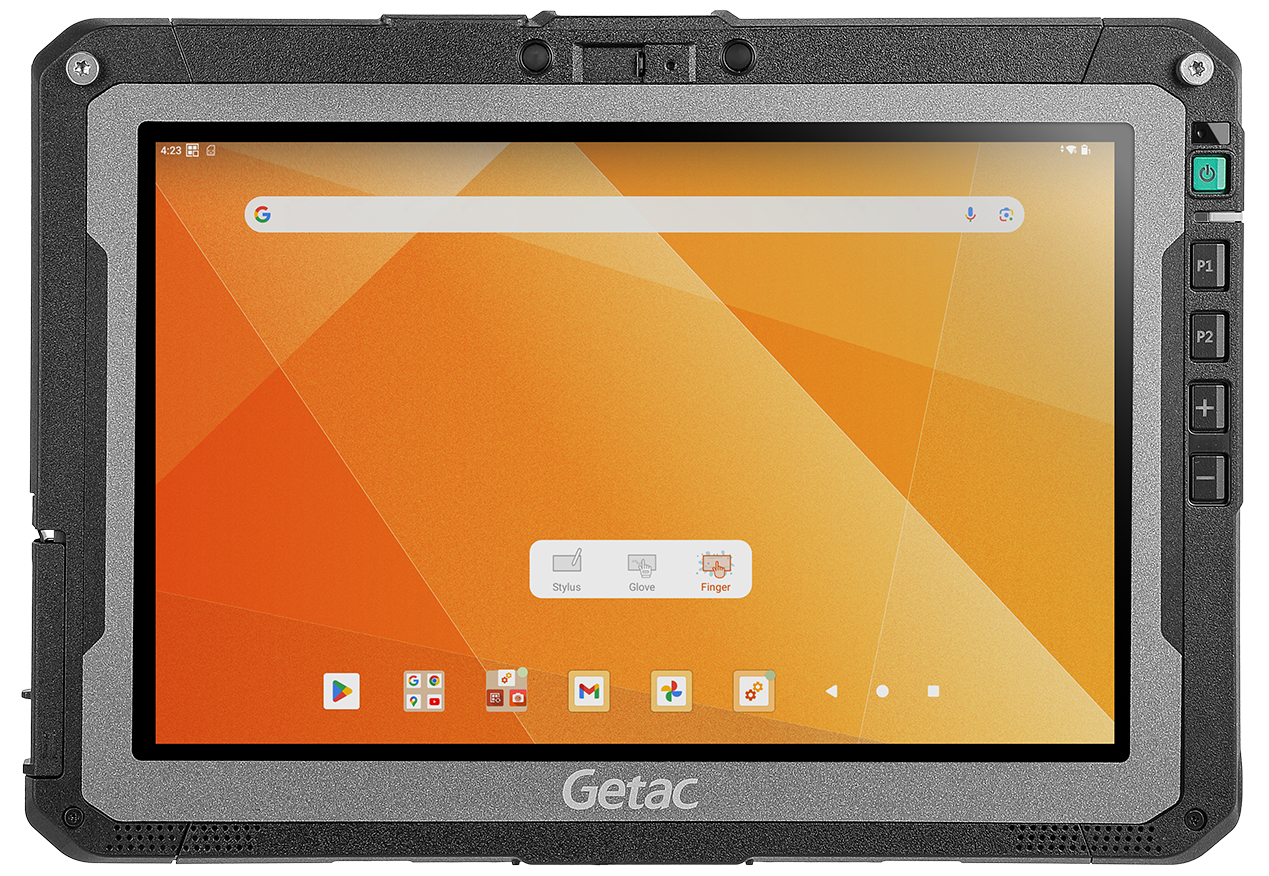
ZX10 (Android)
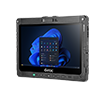
10.1", optional 5G Sub-6 and dedicated L1/L5 GPS, Wi‑Fi 6E, optional barcode/NFC/smart card; excellent for mobile GIS and vegetation management.
Tablets | Fully Rugged | 12.5-Inch | Windows
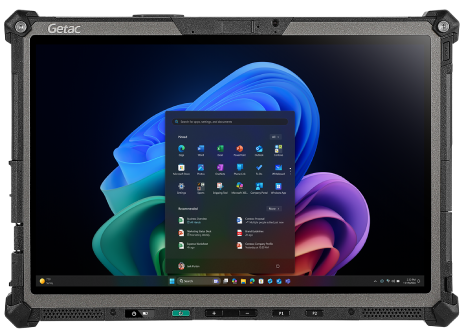
K120 (Windows)
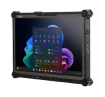
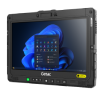
- 12.5", MIL-STD-810H/461G, IP66, optional 5G Sub-6 and dedicated GPS, up to 1200 nits; great for complex mapping and docked vehicle use.
Tablets | Fully Rugged | 12.2-Inch | Windows
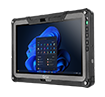
F120 (Windows)
- 12.2", MIL-STD-810H, IP66, up to 1200 nits, optional 5G Sub-6 with integrated L1/L5 GPS; proven reliability in harsh field conditions.
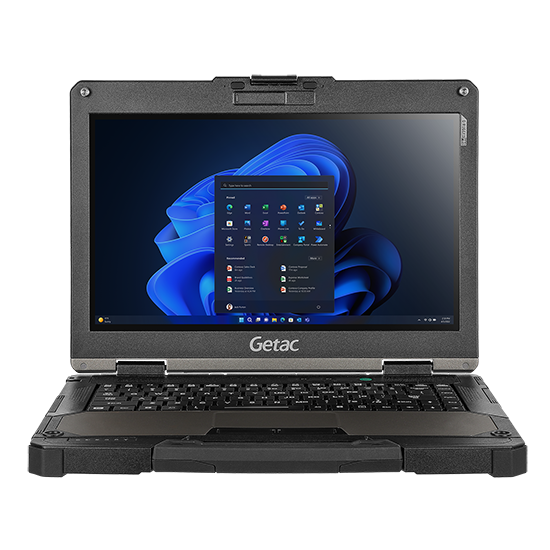
Laptops | Fully Rugged | 13.3-Inch | Windows
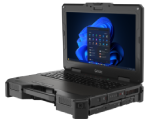
B360
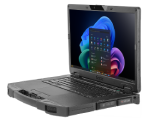
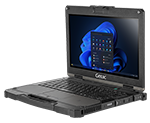
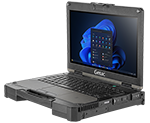
- 13.3", 1,400-nit display, MIL-STD-810H/461G, IP66; field-friendly keyboard for data-heavy GIS workflows.
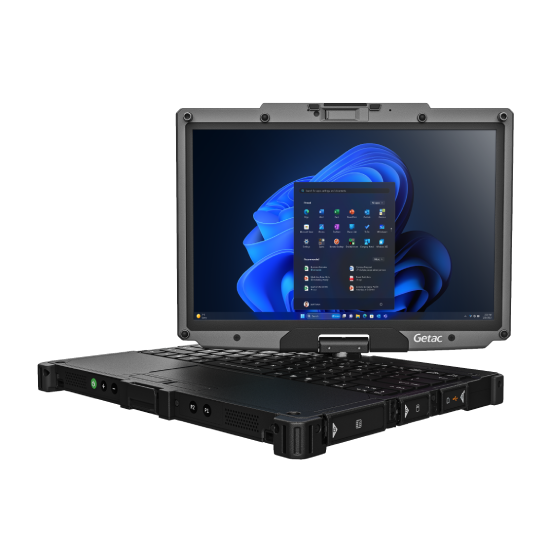
2-in-1 | Fully Rugged | 12.2-Inch | Windows
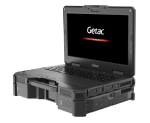
V120
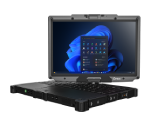
- Optional 5G Sub-6 with integrated L1/L5 GPS, Wi‑Fi 7, Dual SIM, MIL-STD-810H/461G, IP66, hot-swappable dual batteries; ideal for GIS land survey teams needing keyboard productivity plus tablet mobility.
What Getac software strengthens GIS survey software workflows?
GETAC ESSENTIALS SUITE

Essential Control for IT
Management, Monitoring, OEMConfig to deploy, configure, and maintain Android fleets and proprietary settings via AER-compliant EMMs.
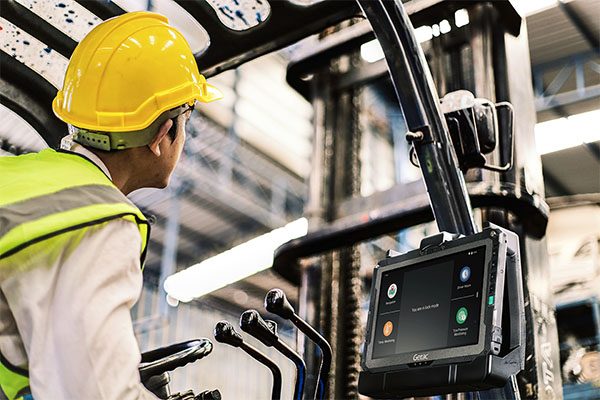
Essential Apps for Field Productivity
- KeyWedge (Windows): Camera-based barcode scanning to link assets, work orders, and land parcel IDs.
- Driving Safety (Android & Windows): Reduces driver distraction during transit between survey points.
- Virtual-GPS (Windows): Shares one GPS feed across multiple GIS survey applications simultaneously.

Essential Utilities (Windows & Android)
Log Tool, Diagnostic, G‑Utility, G‑Camera, Barcode Manager, SmartUpdate for OTA firmware/software.
How this helps:
- Faster turn-on-and-survey readiness with standardized images and configs.
- Fewer device outages with proactive Monitoring and diagnostics.
- Safer operations with Driving Safety Utility and glove/digitizer modes.
- Cleaner integrations with GIS survey software while maintaining device security posture.
Additional Resources
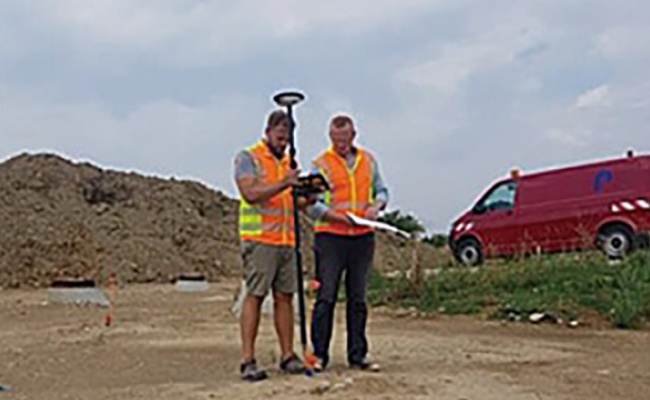
Getac and Leica are making planning and maintenance work easier and more reliable
Getac K120 rugged tablet used to 3D scan and model Lugang Mazu Temple, preserving its valuable cultural assets
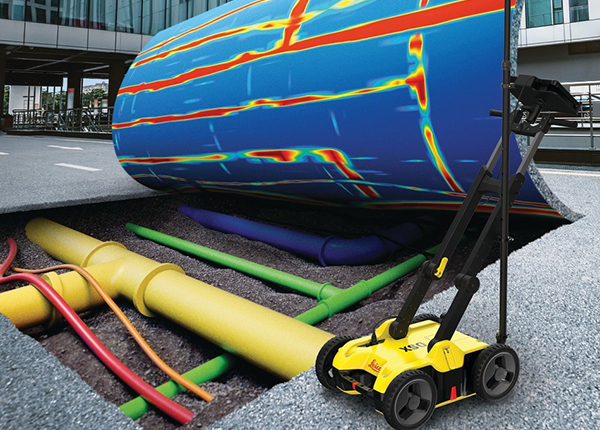
Leica Geosystems is revolutionizing underground mapping work with Getac
What advancements are anticipated in GIS surveying?

AI-assisted analysis at the edge accelerates species identification, defect detection, and asset condition scoring on-device.

IoT and smart sensors feed live telemetry to GIS for real-time situational awareness and predictive maintenance.

AR/VR visualizations help teams “see” subsurface utilities and proposed designs in the field for safer, faster decisions.
Conclusion
GIS surveying connects field reality to decision-making. With rugged Getac devices and the Getac Essentials software suite, teams modernize GIS field survey workflows—improving accuracy, uptime, and safety across land survey, disaster response, environmental monitoring, urban planning, and infrastructure projects.
Want a one-glance recap? Request an infographic summarizing devices, certifications, connectivity, and software options for GIS and land surveying.